3.1Profil bearbeiten
Der Reiter Profile zeigt deinen Namen, Status, E-Mail, Sprache sowie Angaben zur Organisation.
Profil ändern#
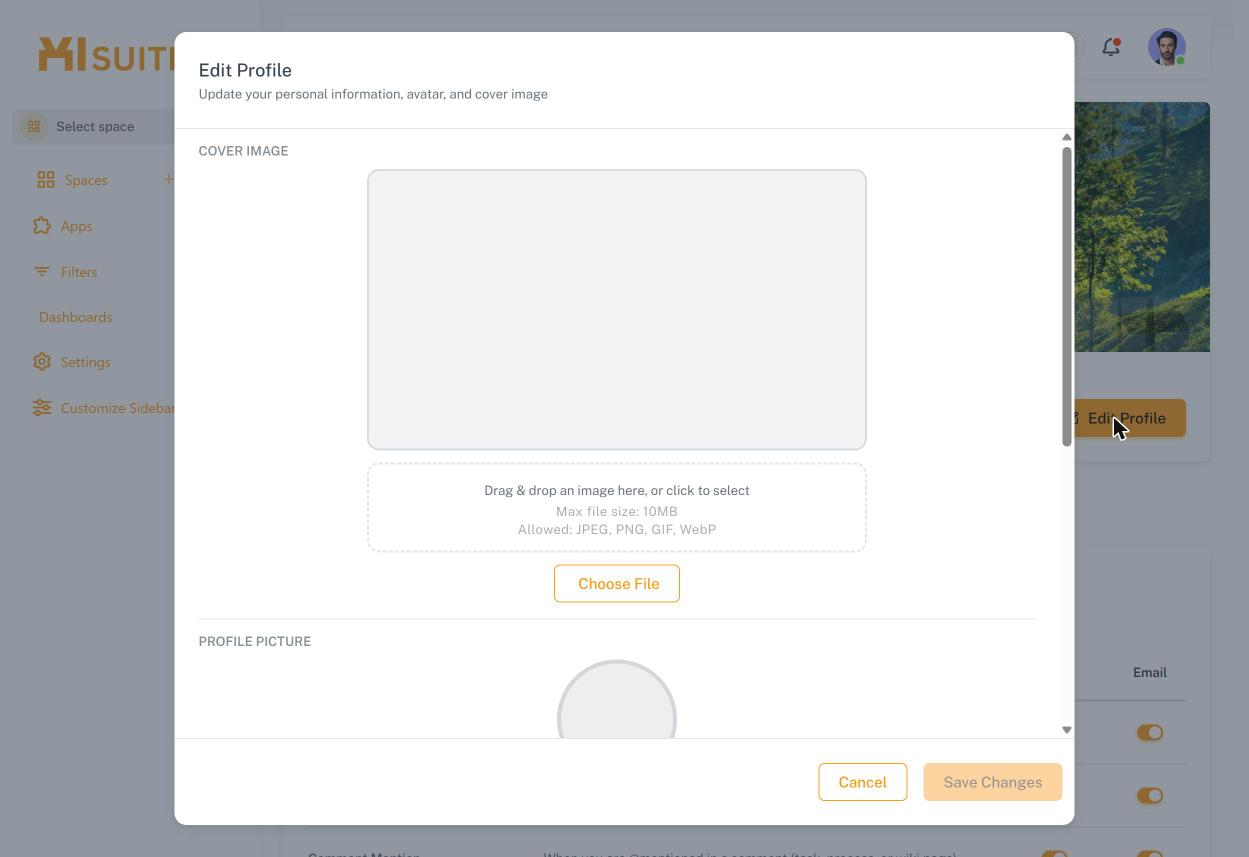
Klicke auf Edit Profile.
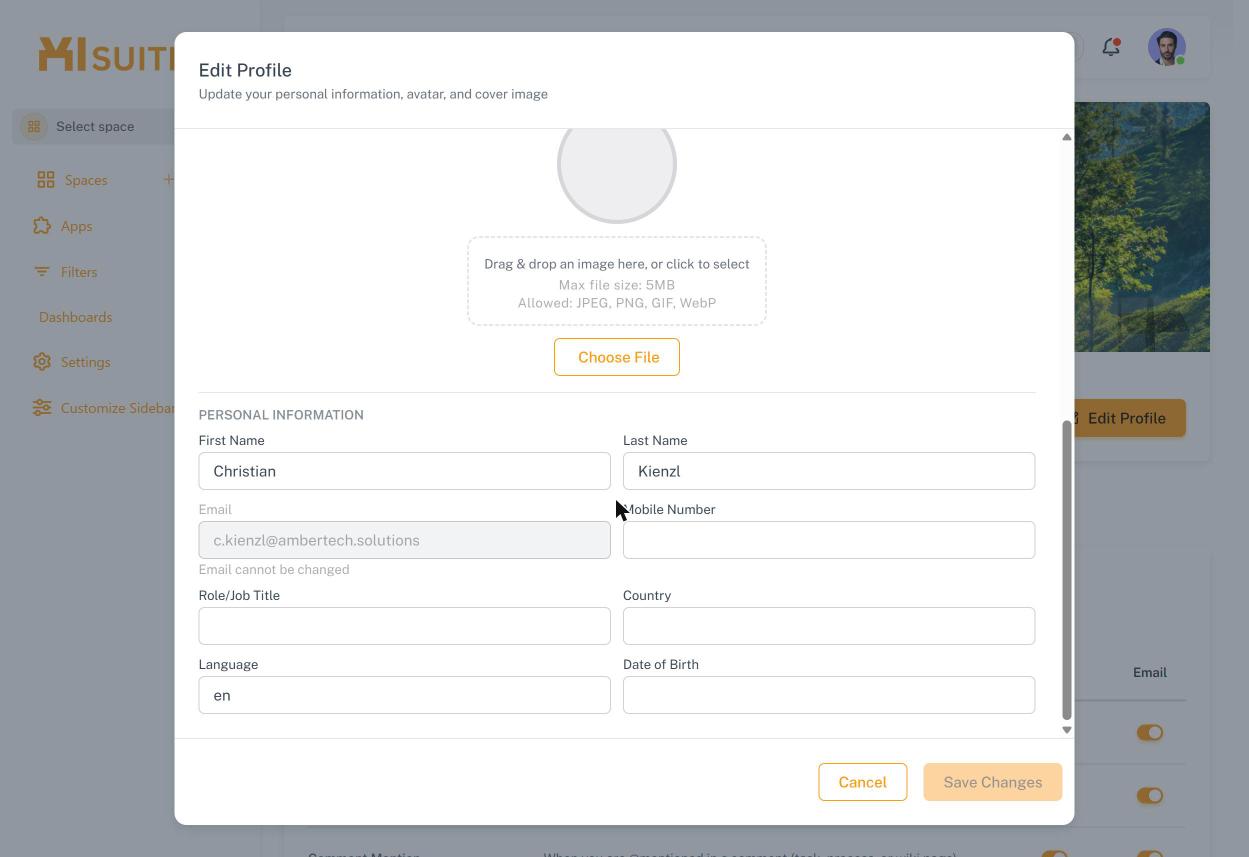
Lade optional ein Titelbild (max. 10 MB) und ein Profilbild (max. 5 MB; JPEG, PNG, GIF, WebP) hoch.
Ergänze unter Personal Information Vorname, Nachname, Mobilnummer, Rolle/Jobtitel, Land, Sprache und Geburtsdatum. Die E-Mail-Adresse kann nicht geändert werden.
Klicke auf Save Changes.